01
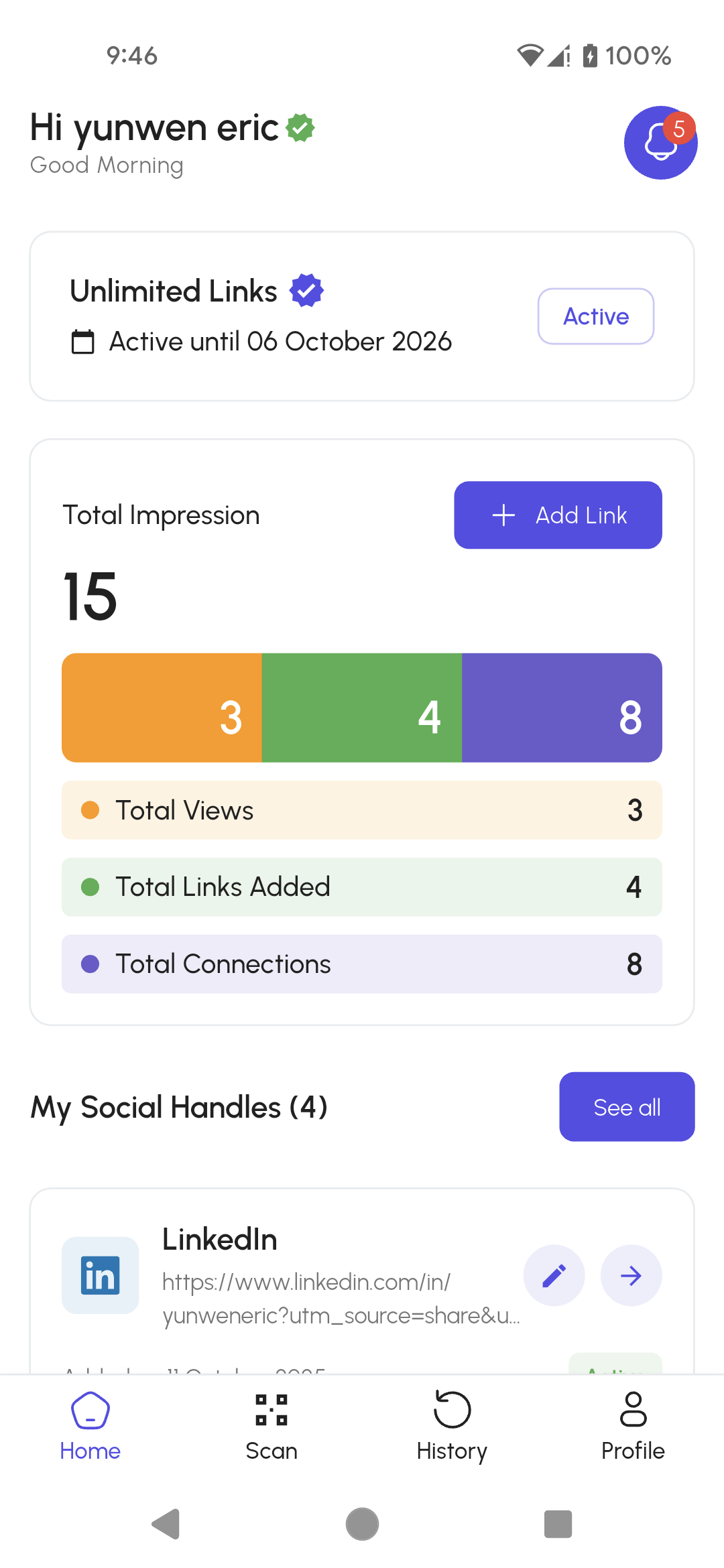
Build your link profile
Add the social profiles, portfolio, website and contact links you want people to discover.
LinkUp QR sharing
At an event, there is rarely time to spell a username, search for a profile or exchange several links. LinkUp turns your social profiles, portfolio and contact links into one QR experience built for real conversations.

Made for the moment you meet
01
Add the social profiles, portfolio, website and contact links you want people to discover.
02
Open your personal QR code or scan someone else’s directly from LinkUp.
03
The shared profile and interaction remain available after the event, so the conversation can continue.
The original LinkUp app screens show your link dashboard, QR scanner, history and profile in one focused flow.
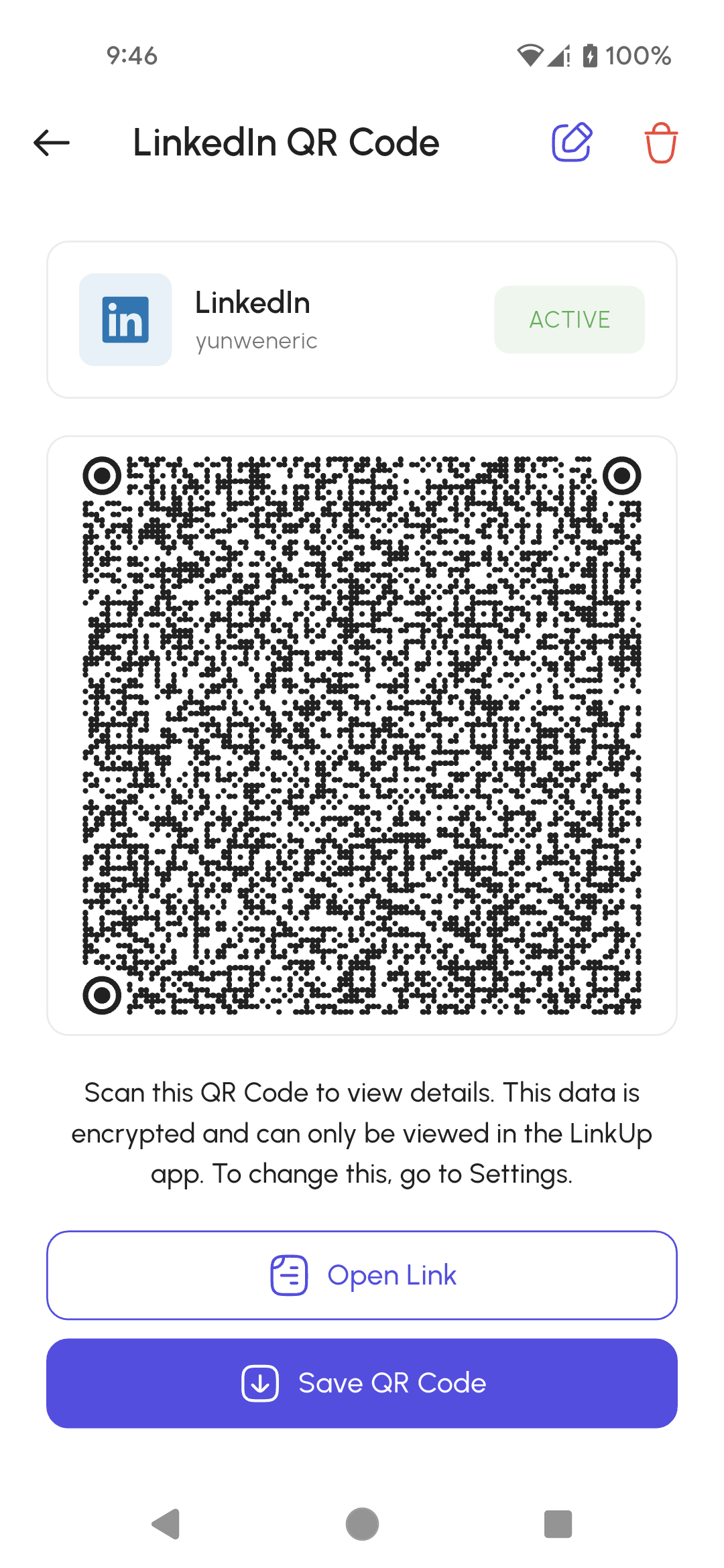
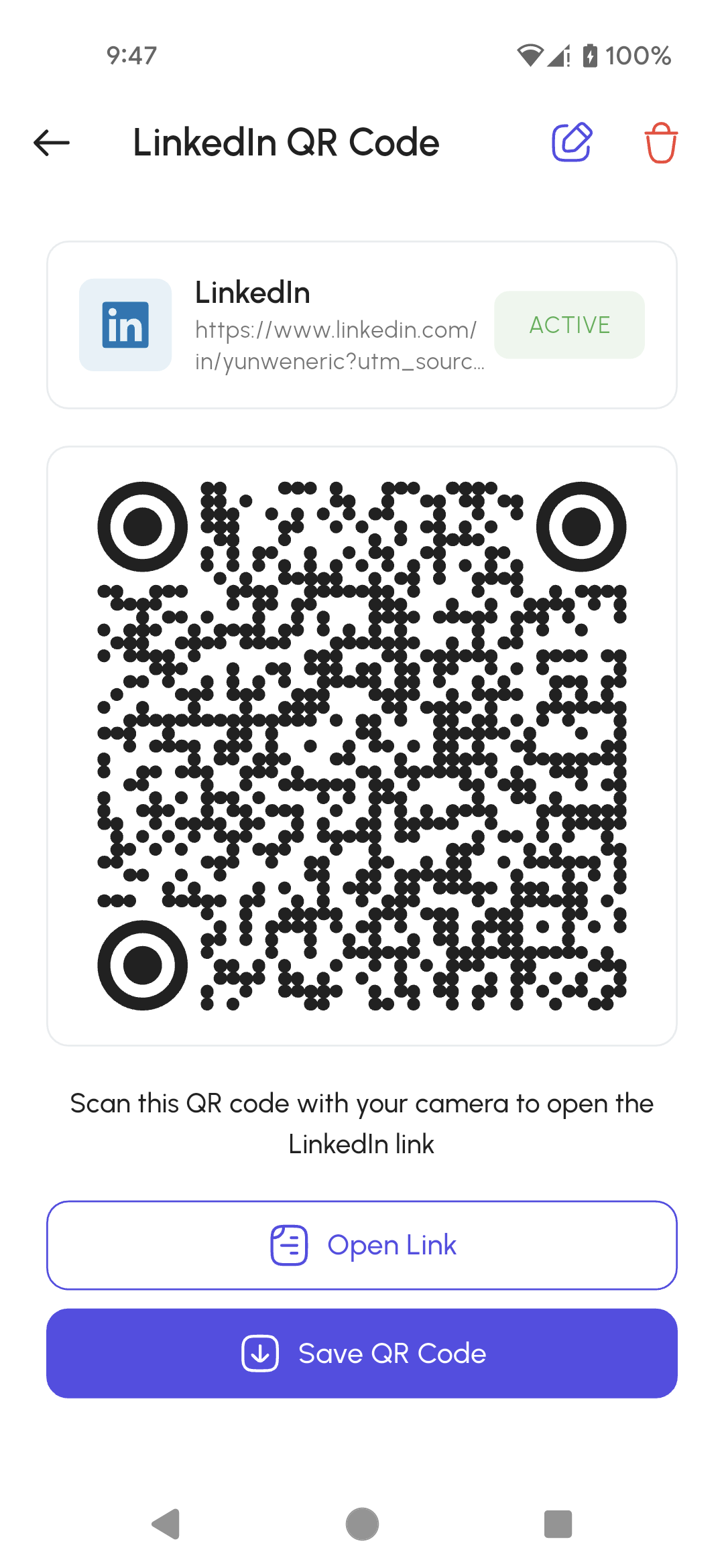
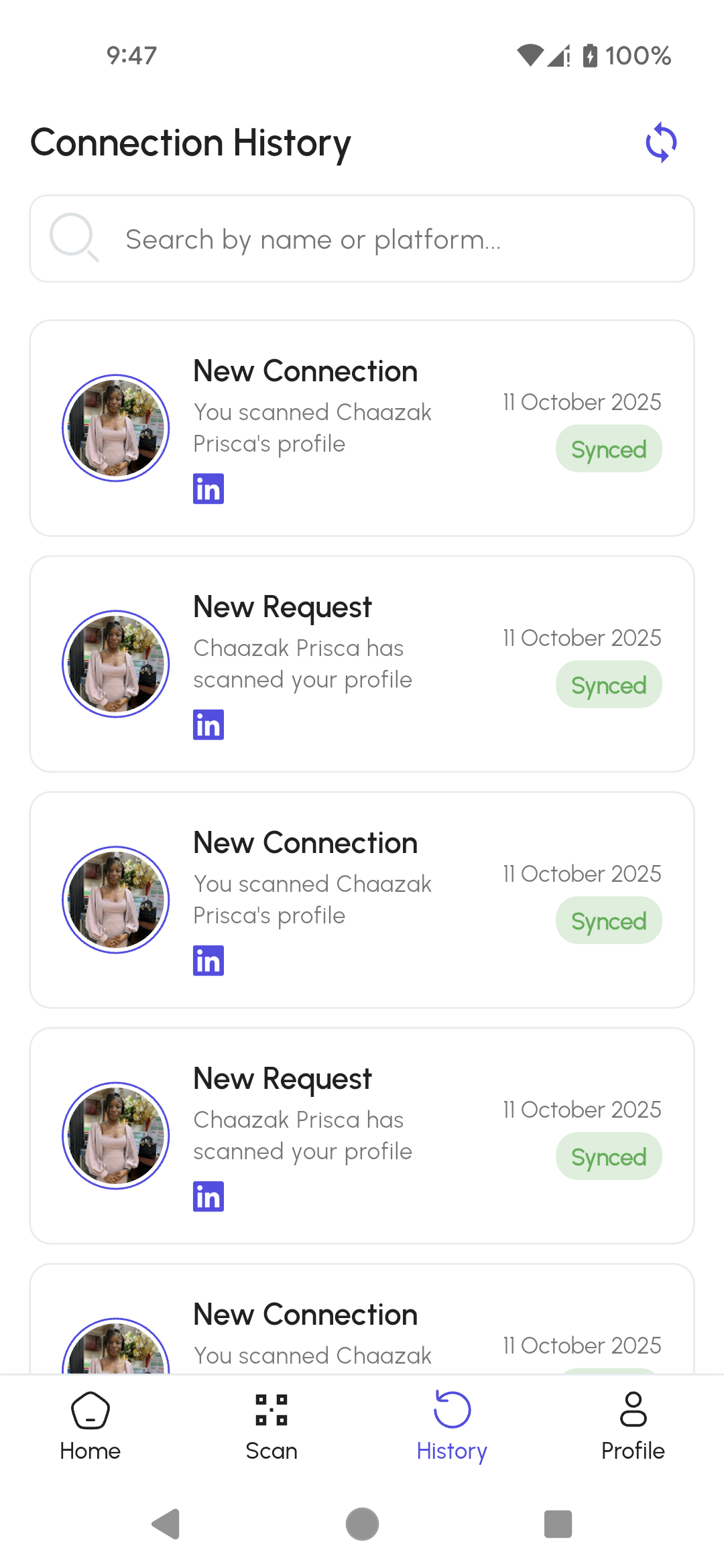
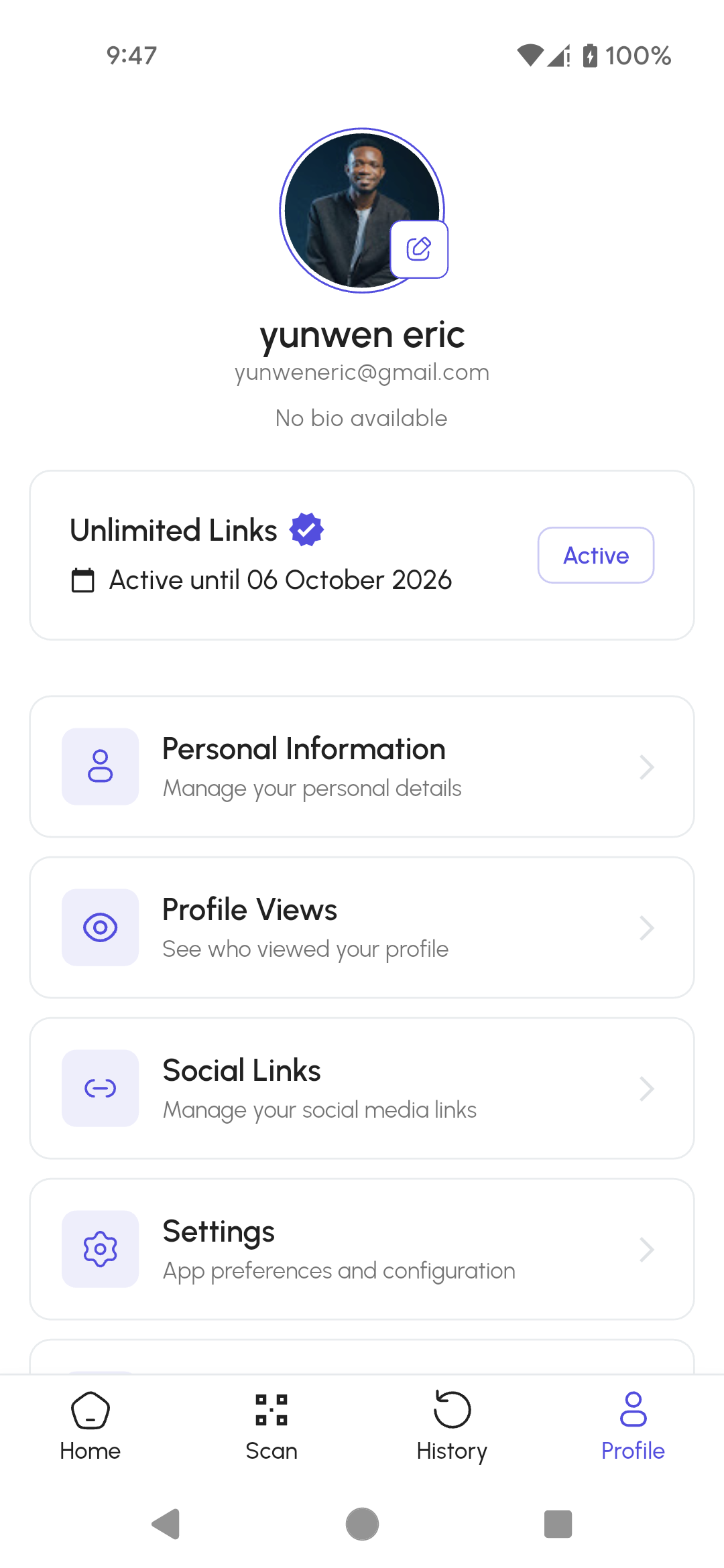
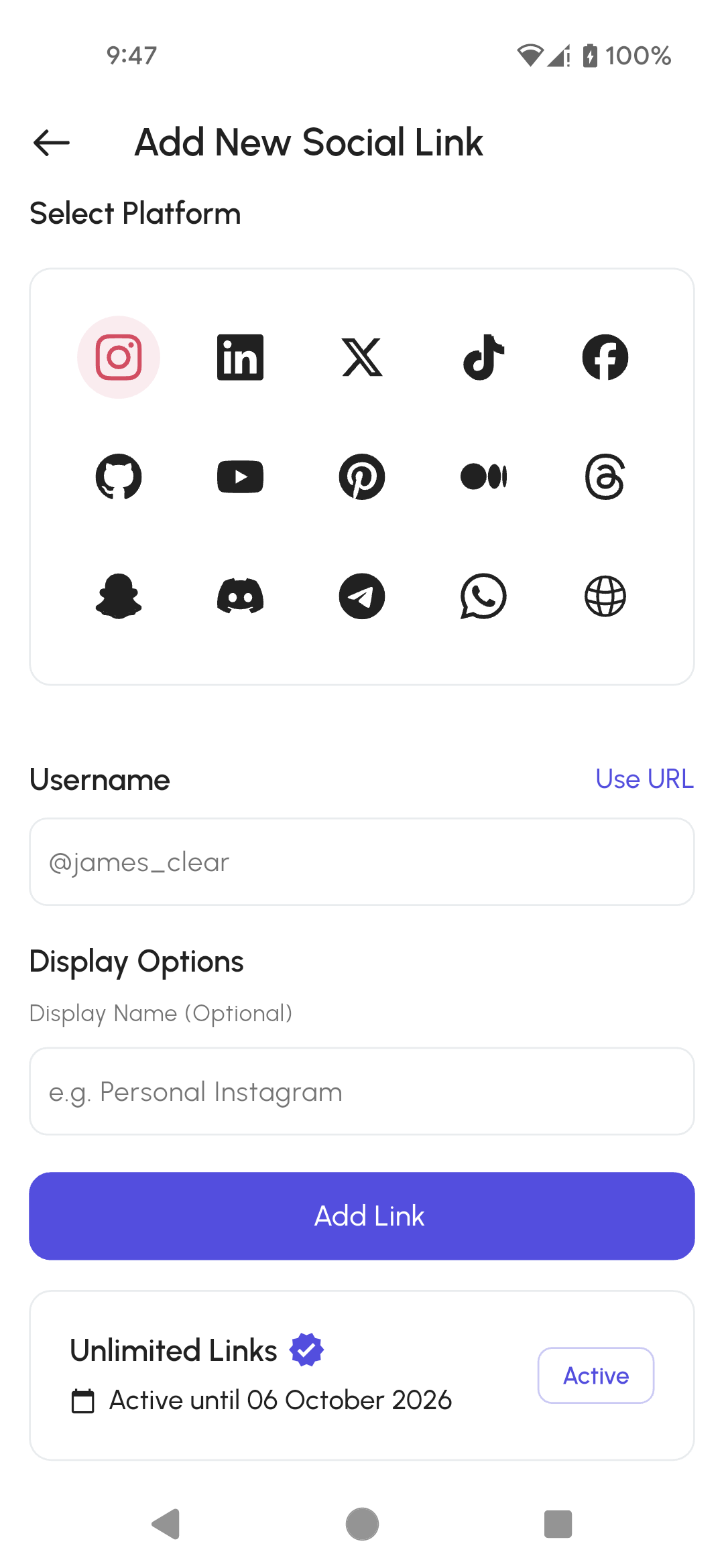
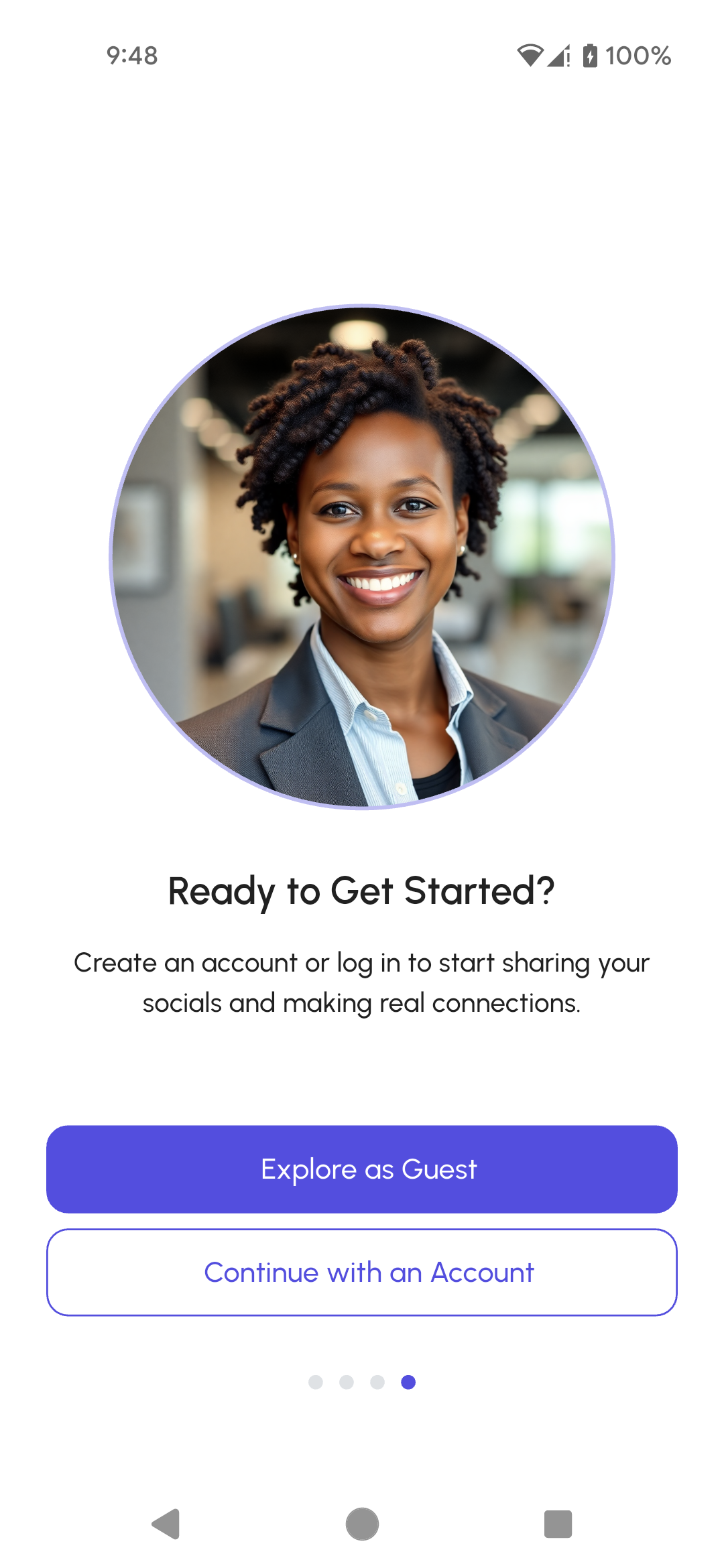
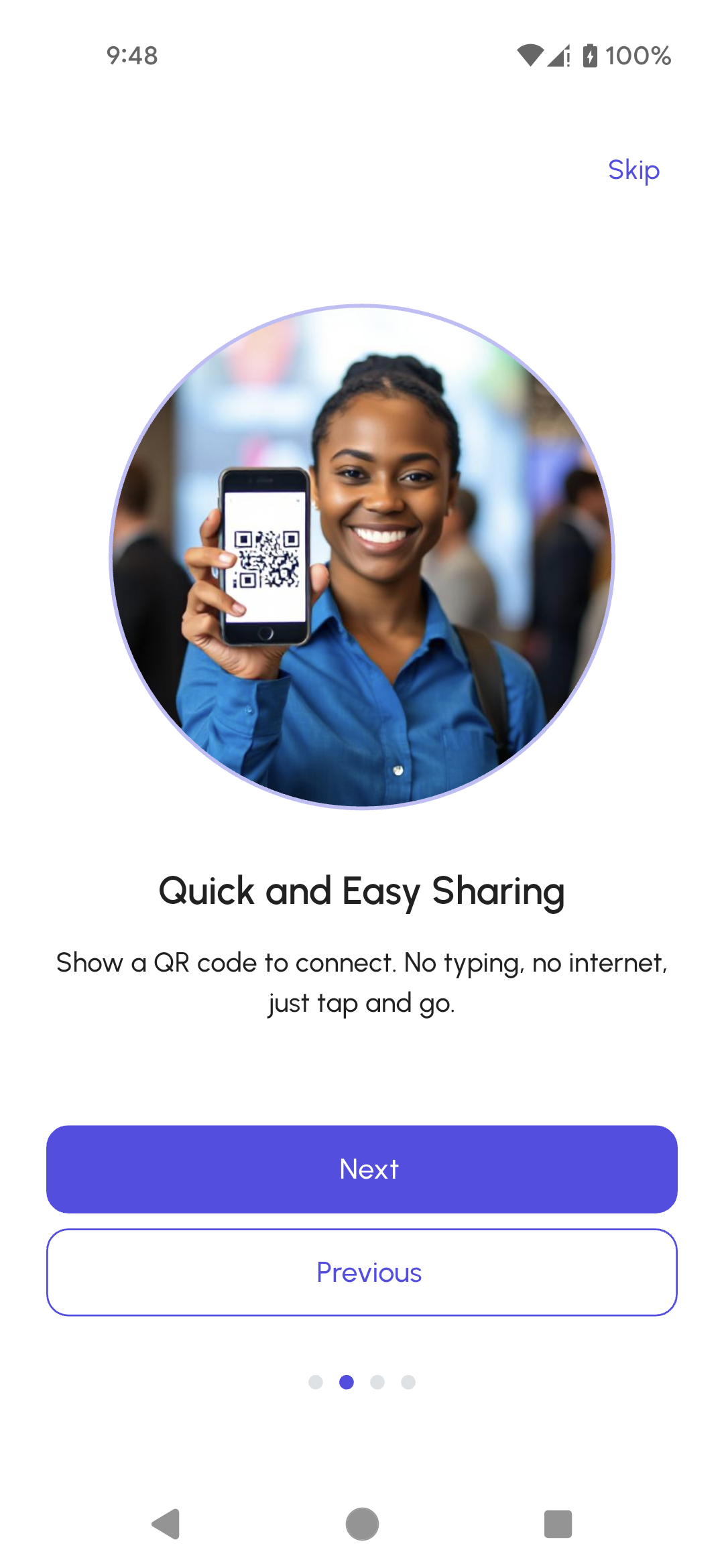
Set up your links before the event, then let one scan do the rest.
Get LinkUpOne QR code for multiple links
Faster networking at busy events
Choose what you share
Review connections after the event